Security Awareness
Protect Your Data on Public Wi-Fi
In a world where we crave constant connectivity, public Wi-Fi feels like a blessing. It’s fast, free, and available everywhere from airports to coffee shops. But behind that…
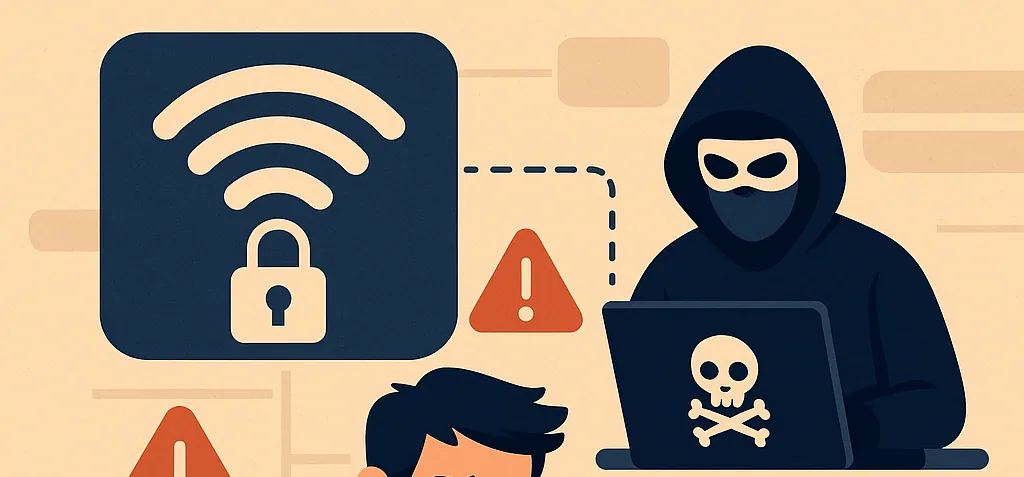
In a world where we crave constant connectivity, public Wi-Fi feels like a blessing. It’s fast, free, and available everywhere from airports to coffee shops. But behind that convenience lies a serious cybersecurity risk. Public Wi-Fi is a playground for hackers, ripe with opportunities to steal your personal information, snoop on your activity, and hijack your digital identity.
Whether you’re a casual browser, a remote worker, or a cybersecurity pro, knowing how to protect your data on public Wi-Fi is non-negotiable. In this post, we break down the real risks, expose common attack methods, and arm you with 15+ proven tips to stay safe in the wild.
Why Public Wi-Fi Is Dangerous
- No Encryption (or Weak Encryption): Most public networks lack strong encryption. This means your data can be transmitted in clear text—visible to anyone monitoring the network.
- Fake Hotspots / Evil Twins: Cybercriminals can set up fake Wi-Fi networks (e.g., Coffee_Shop_WiFi-Free) that look legitimate. When you connect, they intercept every byte of your data.
- Man-in-the-Middle (MitM) Attacks: A hacker secretly intercepts and possibly alters communications between you and the site you’re trying to visit.
- File Injection and Malware Distribution: Attackers on the same network can inject malicious files or use public file-sharing protocols to compromise your device.
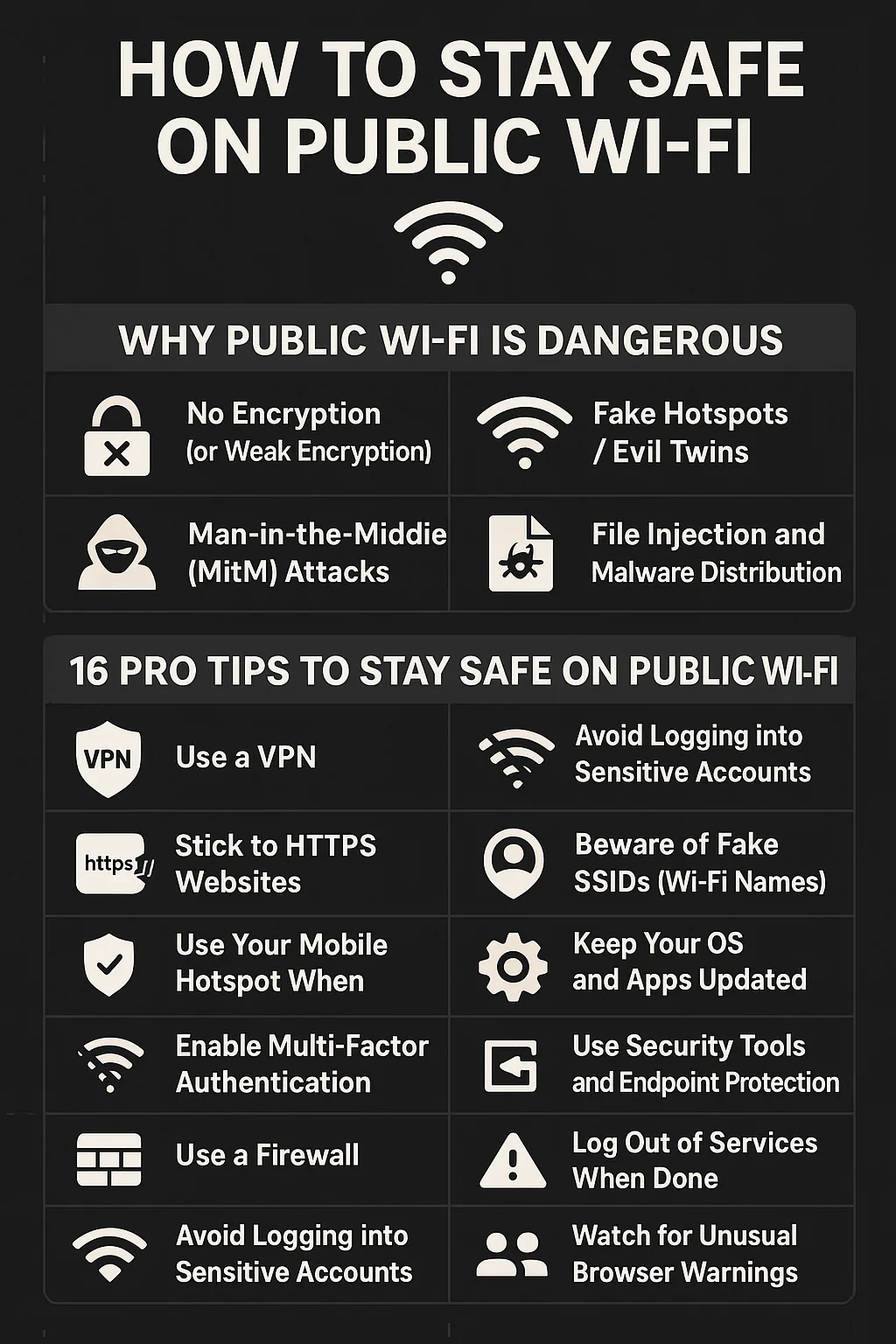
16 Pro Tips to Stay Safe on Public Wi-Fi
- Use a VPN – Your Digital Cloak: A Virtual Private Network (VPN) encrypts your connection. Use trusted VPNs like NordVPN, ProtonVPN, or Mullvad. Avoid free VPNs.
- Stick to HTTPS Websites: Always check for https:// in the browser’s address bar. Use extensions like HTTPS Everywhere.
- Use Your Mobile Hotspot When Possible: For sensitive tasks, use your mobile network or personal hotspot instead of public Wi-Fi.
- Enable Multi-Factor Authentication (MFA): Even if someone gets your password, MFA can block access.
- Disable Auto-Connect to Wi-Fi: Prevent your device from joining rogue networks without your knowledge.
- Turn Off File Sharing, Airdrop, and Network Discovery: Disable unnecessary features before connecting to public Wi-Fi.
- Use a Firewall: Ensure your host-based firewall is active.
- Avoid Logging into Sensitive Accounts: Don’t access private or financial accounts on public Wi-Fi unless protected by a VPN.
- Forget the Network After Use: Manually disconnect and forget public Wi-Fi networks.
- Beware of Fake SSIDs (Wi-Fi Names): Verify the official network name with a staff member.
- Keep Your OS and Apps Updated: Patch known vulnerabilities by updating your software.
- Use Security Tools and Endpoint Protection: Use trusted antivirus and endpoint tools like CrowdStrike, Windows Defender, or Bitdefender.
- Log Out of Services When Done: Always log out to prevent session hijacking.
- Watch for Unusual Browser Warnings: Don’t ignore browser alerts like “Your connection is not private.”
- Use Separate Profiles or Devices: For high-risk tasks, use a separate device or browser profile.
- Use a Privacy-Respecting Browser: Try Brave, Firefox, or Tor Browser for better privacy and security defaults.
Real-World Scenario: The Coffee Shop Trap
Let’s say you’re working at a café. You connect to Coffee_WiFi-Free, check your emails, log in to your company portal, and send a few files. What you didn’t notice:
• The Wi-Fi was actually an evil twin set up by a hacker.
• They performed a MitM attack, logging your credentials.
• They injected a backdoor file during your download.
Lesson: Even casual browsing on public Wi-Fi can have serious consequences.
Summary Checklist
- Use a VPN
- Turn off sharing settings
- Connect to verified networks only
- Stick to HTTPS websites
- Avoid sensitive tasks
- Enable MFA
- Disconnect and forget the network after use
Public Wi-Fi isn’t inherently evil, but it requires caution. Think of it like crossing a busy street: you can do it safely if you look both ways, follow the signs, and stay alert.
The next time you see “Free Wi-Fi,” ask yourself:
“Is my digital life secure enough to trust this connection?”
Cybersecurity starts with awareness and a few smart habits can make all the difference. Share this with your friends, family, and coworkers so we can all browse safely together.
Related articles
All insights
Cybersecurity Myths You Should Stop Believing
As technology becomes more integrated into our daily lives, cyber threats continue to grow in both scale and sophistication. Despite this, many individuals and organizations still…
The New Social-Engineering Arms Race
AI-Powered Phishing, Deepfakes & LLM App Security: Defending the Human Edge At 9:12 a.m., an accounts executive receives an email that feels unmistakably authentic: precise…
The Role of Gamification in Cybersecurity Awareness Training
In today’s digital-first world, cybersecurity breaches are no longer rare events. From phishing emails to ransomware attacks, human error continues to be one of the leading causes…